
How to Play Sudoku
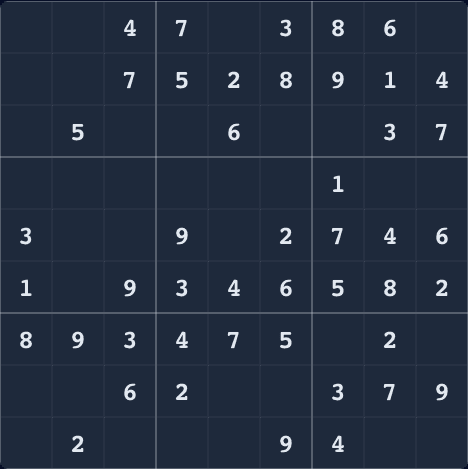
Fill every empty cell so each row, column, and 3×3 box contains 1 through 9 exactly once. Easy starts with 46 filled cells, medium 36, and hard 26; correct entries clear matching peer notes automatically.
Controls
- Click or tap a cell, then enter a digit from 1 to 9.
- Use arrow keys to move, P for pencil mode, and Delete or Backspace to clear.
- Use Control-Z or Command-Z to undo and Escape to pause.
Scoring and Leaderboard
The score is difficulty multiplier × (3,600 − elapsed seconds), with a floor of zero. Easy uses 1×, medium 2×, and hard 3×, so a faster solve preserves more of the available total.
You can play without an account. Score submission asks only for player initials.
Sudoku Tips
Scan completed areas
Rows, columns, and boxes with many given digits usually reveal the next forced placement.
Use pencil marks
Record candidates in uncertain cells; correct entries remove that digit from peer notes automatically.
Do not guess
When stuck, switch to another box and look for a digit with only one legal position.
Sudoku FAQ
- How are easy, medium, and hard different?
- Easy removes 35 cells, medium 45, and hard 55, leaving 46, 36, or 26 starting clues.
- How is the Sudoku score calculated?
- Multiply the remaining seconds from a 3,600-second base by 1 for easy, 2 for medium, or 3 for hard.
- Can I use notes and undo mistakes?
- Yes. Press P for notes, watch correct entries clear matching peer notes, use Control-Z or Command-Z to undo, and rely on conflict highlighting.
Play More Free Browser Games
Puzzle alternativePlay Tetris onlineStack blocks, clear lines, and level up in this timeless puzzle game.More from WotAI GamesPlay Snake onlineGuide the snake, eat food, grow longer. How high can you score?More from WotAI GamesPlay Doodle Jump onlineBounce from platform to platform and reach new heights.